Run RMS from the phone app and set the pace for your session.
RangeMotion Systems / Targets in motionTrain. Improve. Master.
01 / 04The chaos of potential.
Explore RMS’s moving target system below.
Targets in motion
Targets don't always stand still.
Targets don't always stand still.
Neither should your training.
RMS brings moving-target practice, phone-based control and camera-assisted review into one connected training workflow.
Targets in motion
Multiple speed levels
Camera-assisted analysis
Worldwide competition
Train with intention
Choose accuracy or reaction training and adjust the target speed to suit your session.
See your progress
Photograph your target and review hit locations with camera-assisted analysis.
Take on the challenge
Work through challenge levels and compare your results on the leaderboards.
01
Bring movement to your training.
02
Set the pace from your phone.
03
Review hits. Measure progress.
04
Challenge yourself. Compare results.
CONTROL THE PACE. BUILD SKILL. TRACK EVERY SESSION.
Turn a static target into a moving challenge with controlled speed and timing.
Capture targets, review hit locations and measure progress over time.
Targets in motion
App speed control
Accuracy and reaction
Camera hit analysis
Accuracy training
Reaction training
Challenge levels
Worldwide leaderboards
Refill targets
Targets in motion
App speed control
Accuracy and reaction
Camera hit analysis
Accuracy training
Reaction training
Challenge levels
Worldwide leaderboards
Refill targets
Explore RMS
One ecosystem. Built around better practice.
The same premium tile language as the RMS App, scaled for the web: explore a category, then move into the tools inside it.
RMS SYSTEM
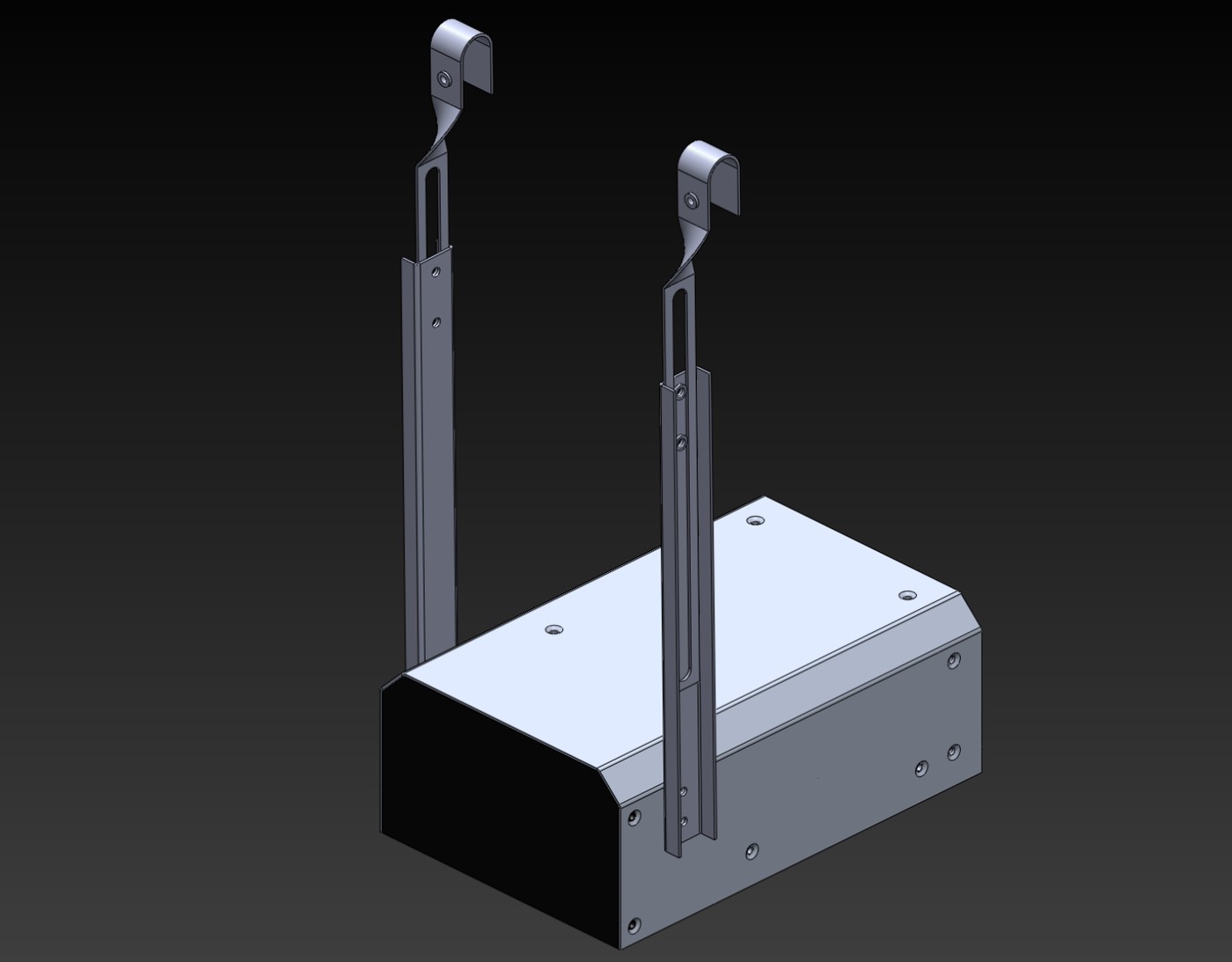
See how RMS creates motion.
Understand the hardware, target path and connected workflow behind Targets in Motion.
Explore the system →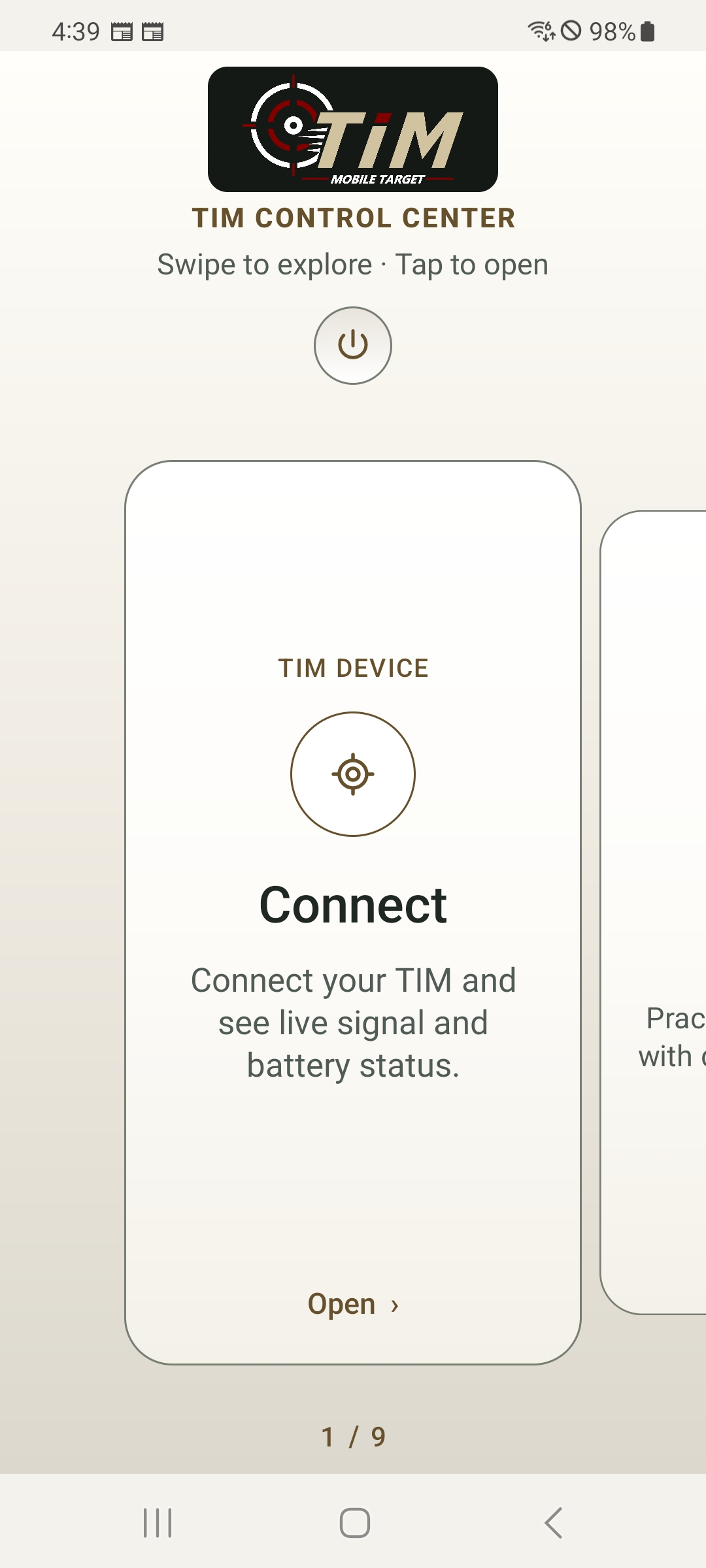
RMS APP
Control the drill from your phone.
Connect to RMS, choose a mode, control movement and review results from one interface.
Explore the app →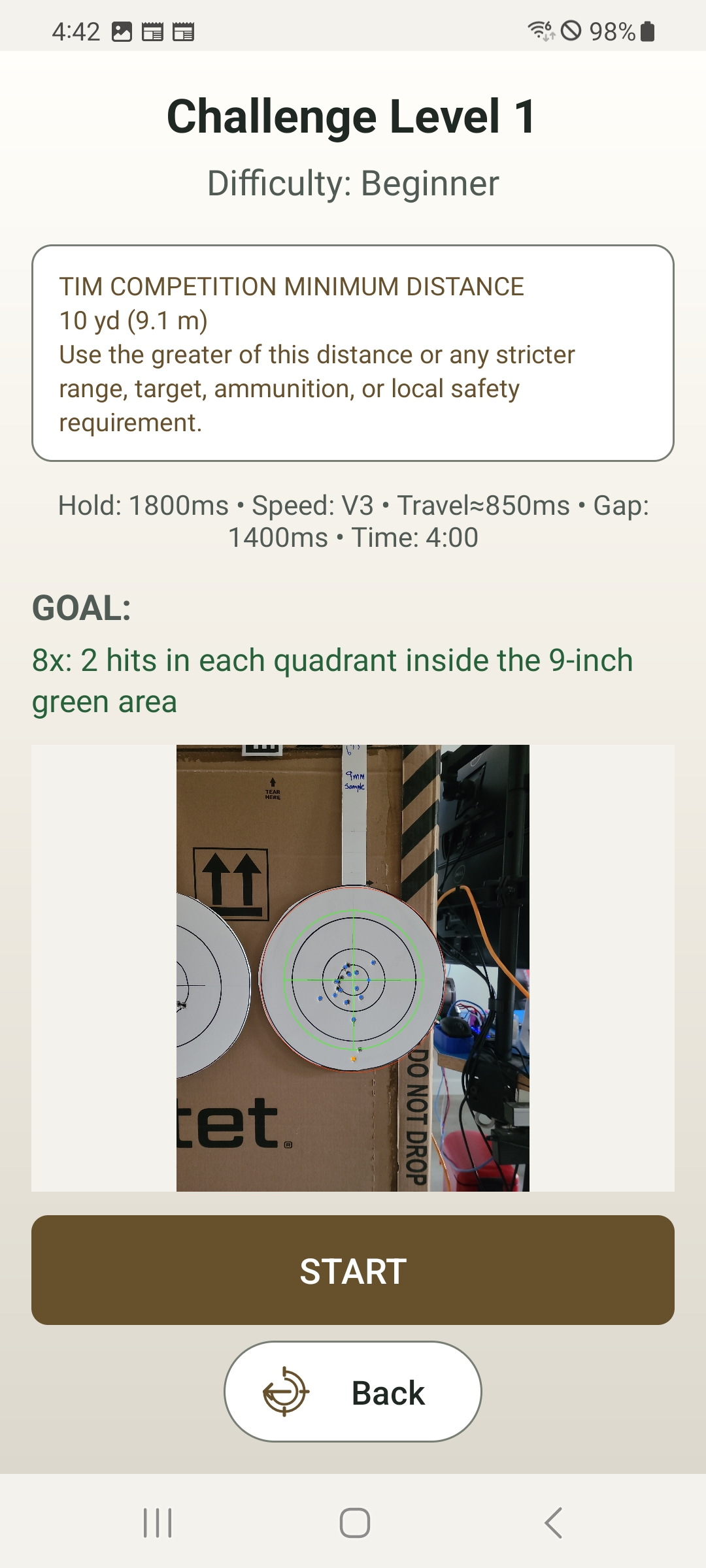
TRAIN & COMPETE
Choose the kind of pressure you want.
Accuracy, reaction and challenge modes turn one system into multiple training experiences.
View training modes →
TARGETS IN MOTION
Set the speed. Change the challenge.
Movement changes timing, visual tracking and shot opportunity without changing the target itself.
See motion in action →
SHOP RMS
Visit the shop →
System. Backer. Refills.
Keep purchasing simple while Shopify handles the commerce infrastructure behind the RMS experience.
LEARN & SUPPORT
Open support →
Watch first. Read when needed.
Start with short How-To videos, then move into quick-start guidance and full support when you need it.
ONE CONNECTED WORKFLOW
PHONE → RMS → MOVING TARGET → RESULTS.
Control the target from the app, train against movement, then capture and review your performance.
Explore RMS
Your next session starts here.
Explore the RMS system and accessories, or open the user manual for setup and training guidance.